DRAWING REFERENCES

Interactive 3D Reference Models for Artists

Study form, perspective, anatomy, and light from an angle you choose. Explore interactive 3D reference models for drawing, then turn what you see into marks on paper.

Start with simple geometric shapes, then explore skulls, static hands, portrait busts, or a classical sculpture. Move the light and rotate your view to study their forms.

Explore 3D Models

Explore 3D Drawing References

Choose a collection to study form, anatomy, and light.

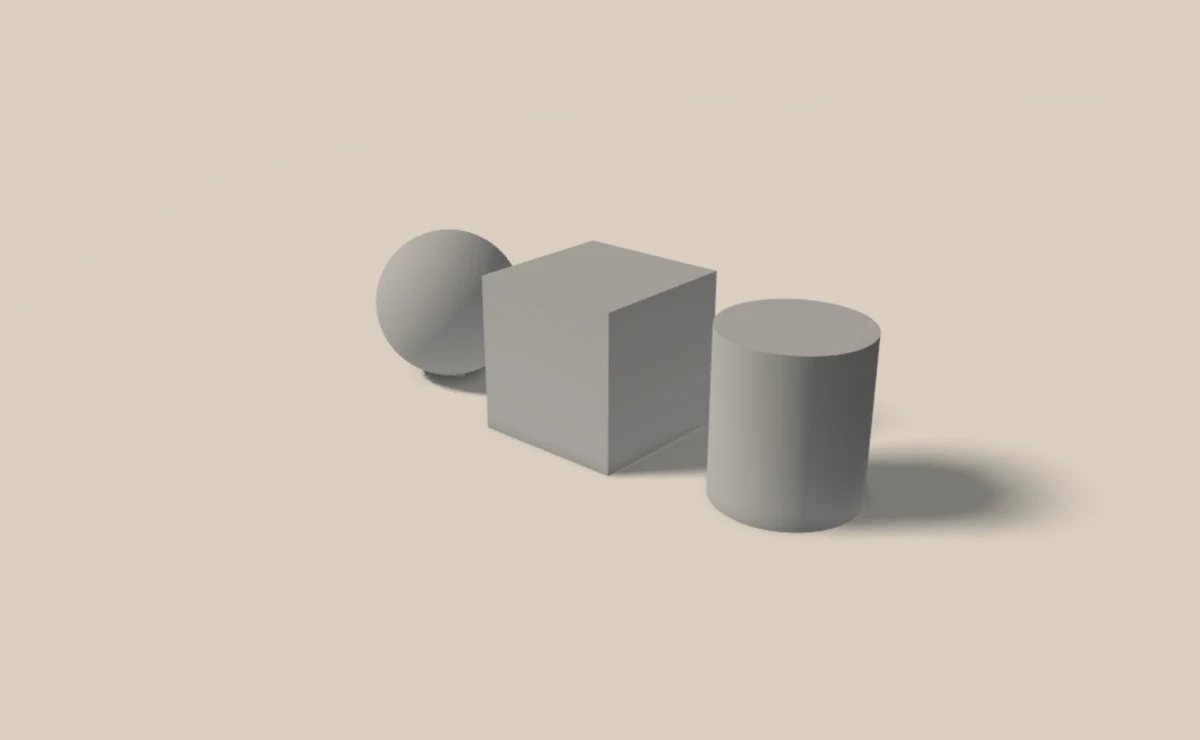
A cube, sphere, and cylinder arranged on a light floor, showing their different forms and cast shadows.

FOUNDATIONS · INTERACTIVE VIEWER

Basic 3D Shapes

Practice with cubes, spheres, and cylinders. Build a scene with up to three shapes, then move, resize, and rotate each object to study its proportions and perspective.

Adjust the light, soften the shadows, and try different object and background colors to explore contrast.

  • One to three shapes
  • Adjustable light and shadows
  • Orbit and fixed camera views
Explore Basic Shapes
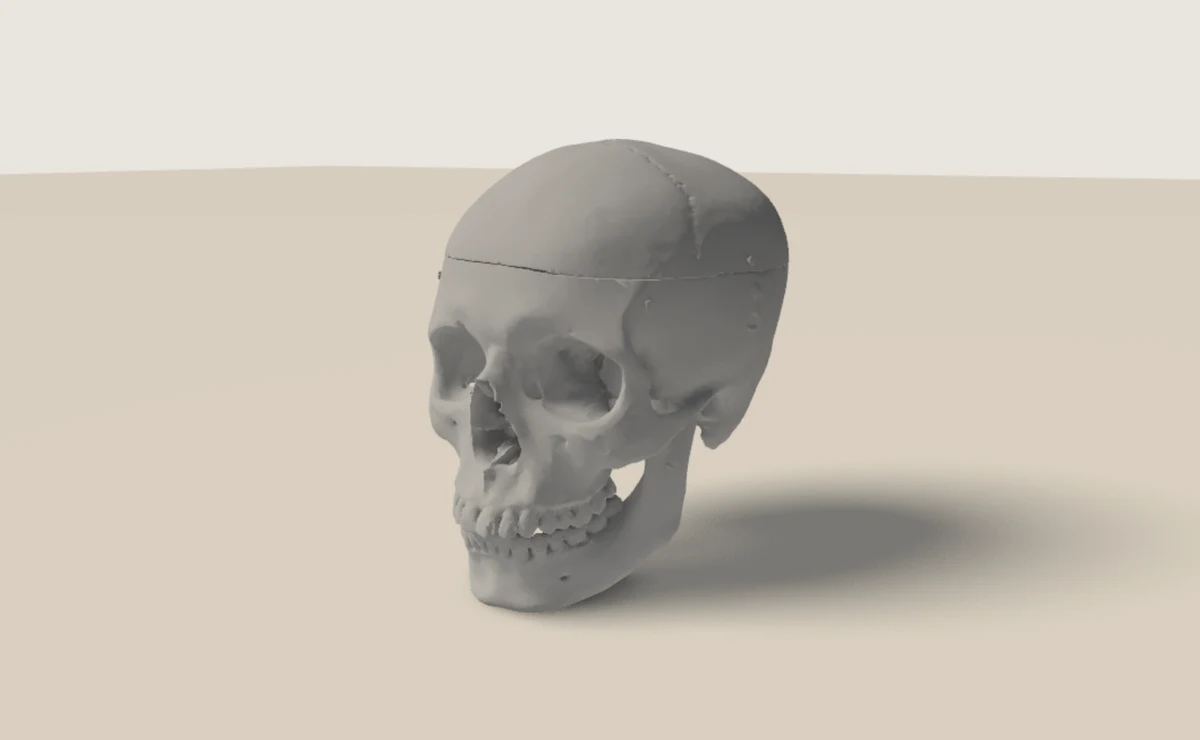
An anatomical human skull scan showing the cranium, eye sockets, cheekbones, and jaw.

ANATOMY

3D Skull Reference

Study the cranium, eye sockets, cheekbones, and jaw. Rotate an anatomical scan to explore head construction and anatomical landmarks.

Explore Skull Reference
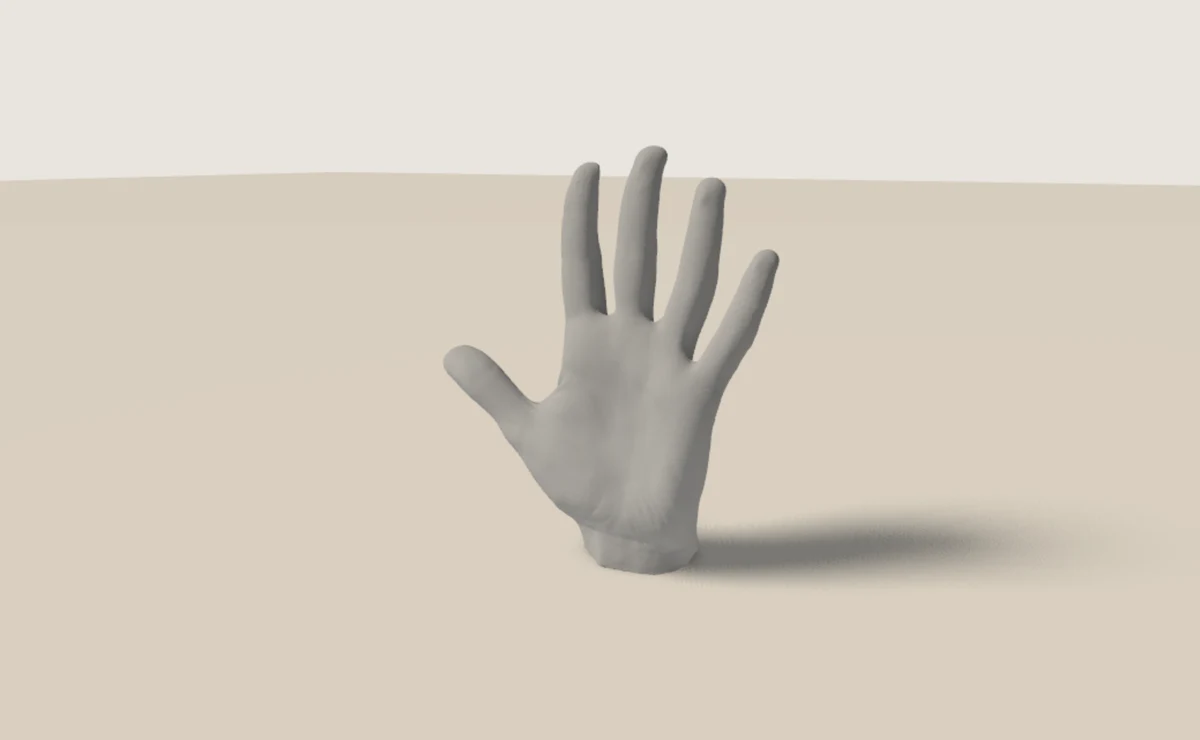
A scanned hand with outstretched fingers and a visible palm.

ANATOMY

Static Hand Reference

Explore an open palm scan. Examine the fingers, knuckles, and palm, and practice foreshortening.

Explore Hand Reference
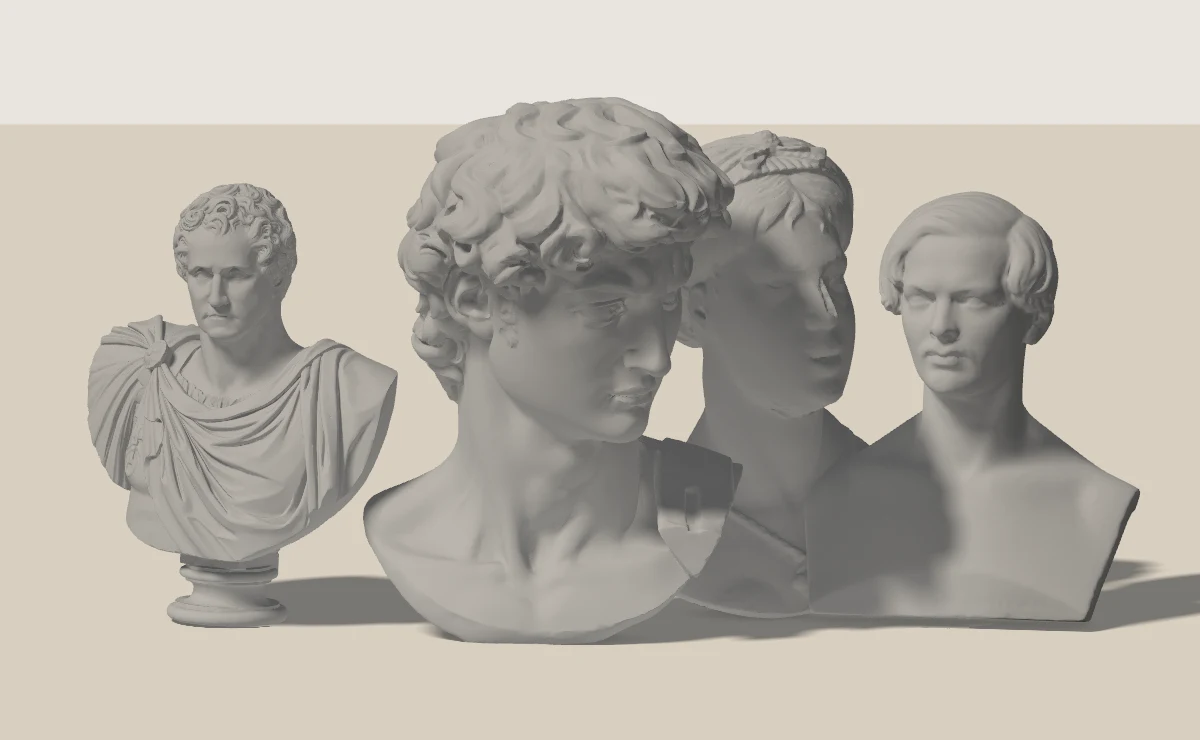
Four scanned portrait busts: David, George Washington, Count Potulicki, and a singing woman.

PORTRAIT STUDY

Portrait & Bust Reference

Study facial planes, proportions, and portrait lighting with a scan of a cast of Michelangelo’s David. Compare its silhouette from several viewpoints.

Explore Portraits & Busts
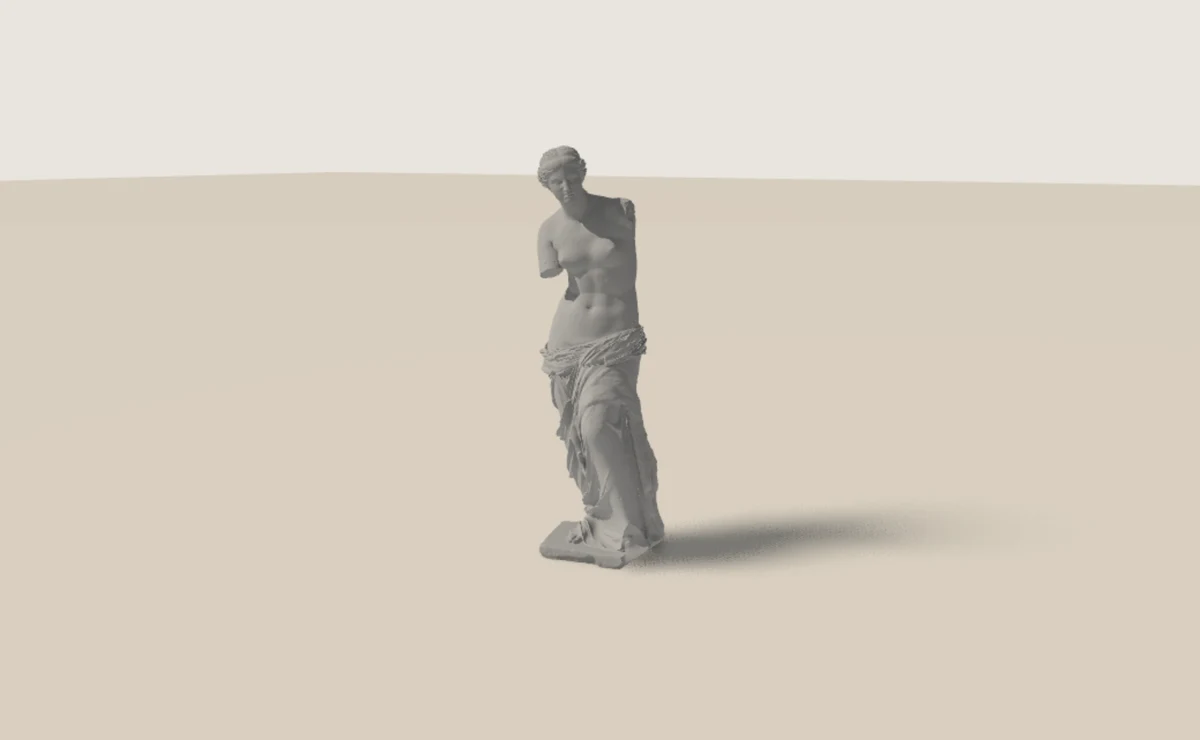
A full-length scan of a Venus de Milo plaster cast with drapery around the lower body.

CLASSICAL SCULPTURE

Venus de Milo Reference

Examine the figure, drapery, and surface planes of a scanned plaster cast of Venus de Milo. Choose your view and light for an observational drawing study.

Explore Venus de Milo

FROM LOOKING TO DRAWING

How to Use 3D Reference Models for Drawing

Interactive 3D references let you examine the same object from multiple viewpoints. Keep the setup simple at first, so you can focus on one drawing problem at a time.

  1. Choose a reference

    Begin with a simple shape, or select a skull, hand, portrait bust, or sculpture for a more detailed study.

  2. Find a viewpoint

    Orbit the scene to study its silhouette. Use the front, side, or top views to compare proportions.

  3. Set the light

    Change its direction and height. Look for the light-facing surfaces, shadow shapes, and softer reflected light.

  4. Sketch the major forms

    Start with the overall shape and construction lines. Establish the big light and dark areas before adding detail.

  5. Compare and repeat

    Check your drawing against the reference. Try the same arrangement from another angle or under different lighting.

Practice Form, Perspective, and Anatomy

Understand basic forms

Cubes, spheres, and cylinders provide a foundation for constructing more complex objects. Notice their surface planes, curved edges, and silhouettes as you change your view.

Explore perspective

Study how a cube’s faces change as you orbit it, or how a cylinder’s circular ends appear as ellipses. Draw the same form from several viewpoints to compare what changes.

Read light and shadow

Separate the large light and dark masses. Look at where the form turns away from the light, where a cast shadow begins, and how its edges soften farther from the object.

Study anatomical landmarks

Use the skull to compare the cranium and jaw, or follow the joints and major masses of the hand. A portrait bust connects those underlying structures with the visible planes of a face.

Try a five-minute study

Choose one shape and one light direction. Draw only the silhouette and three values: light, middle tone, and shadow. Rotate the view and repeat.

Combine 3D Models with Photo References

3D drawing references let you control the viewpoint and lighting. Photographs offer real-world anatomy, gesture, and natural variation. Use both to connect simple forms with the complexity of the human figure.